DevTool
World Editor
Enables convenient creation and editing of world presets, object preview, and precise management of their position and rotation.
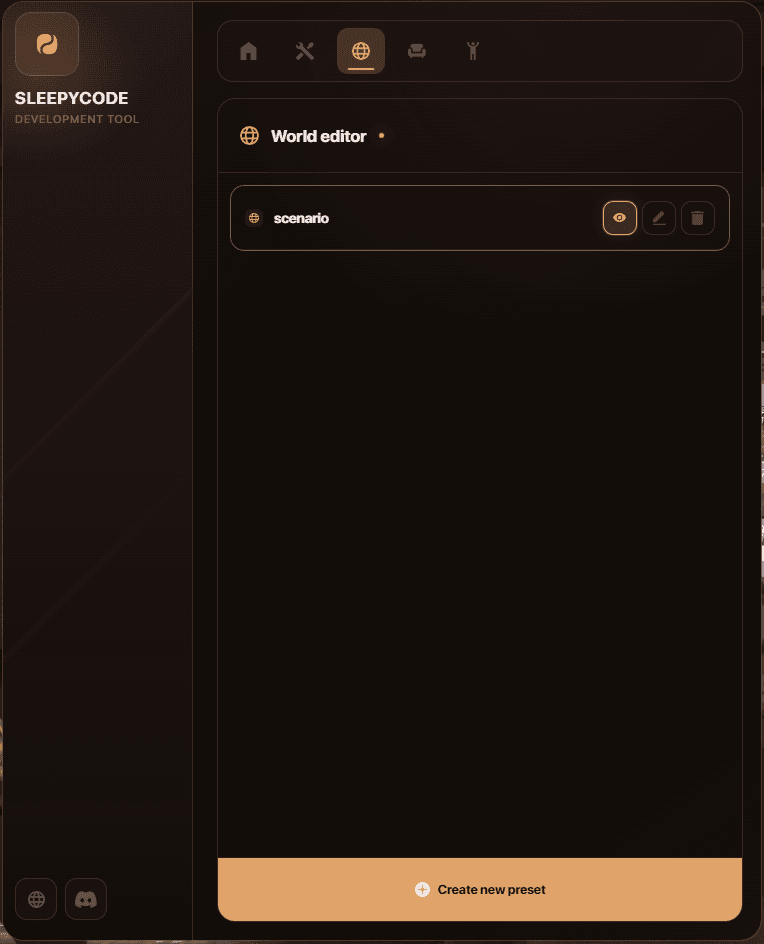
The World Editor section not only allows you to place objects in a specific location but also enables you to automatically trigger a preset when the script starts or restarts, as well as rename the preset (helping you keep track of your scenery). If at any point you decide you no longer want the entire preset, simply delete it, and it will be automatically removed from the database. The script was unable to connect to the database; this is no longer an issue, however, as the script now saves data from the World Preset and Ped Spawner to JSON files whenever a connection error occurs.
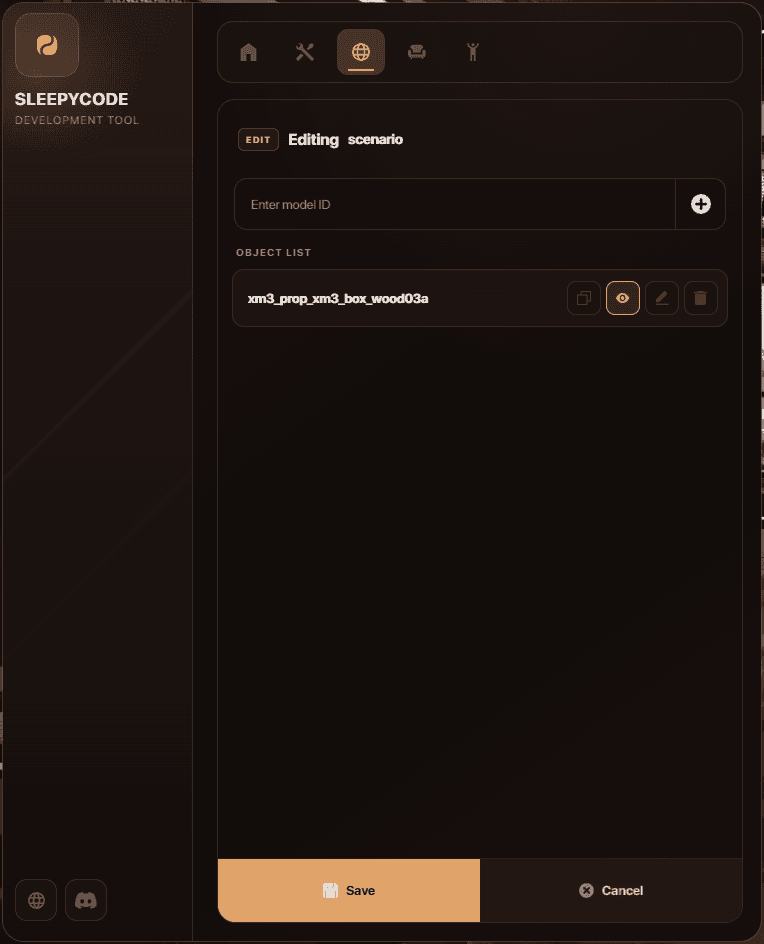
Thanks to the Gizmo system, you can freely manipulate a given object or preset—you decide where everything goes. The only limit is your imagination. The DevTool also allows you to copy information regarding a specific object from a preset.