DevTool
Prop Tool
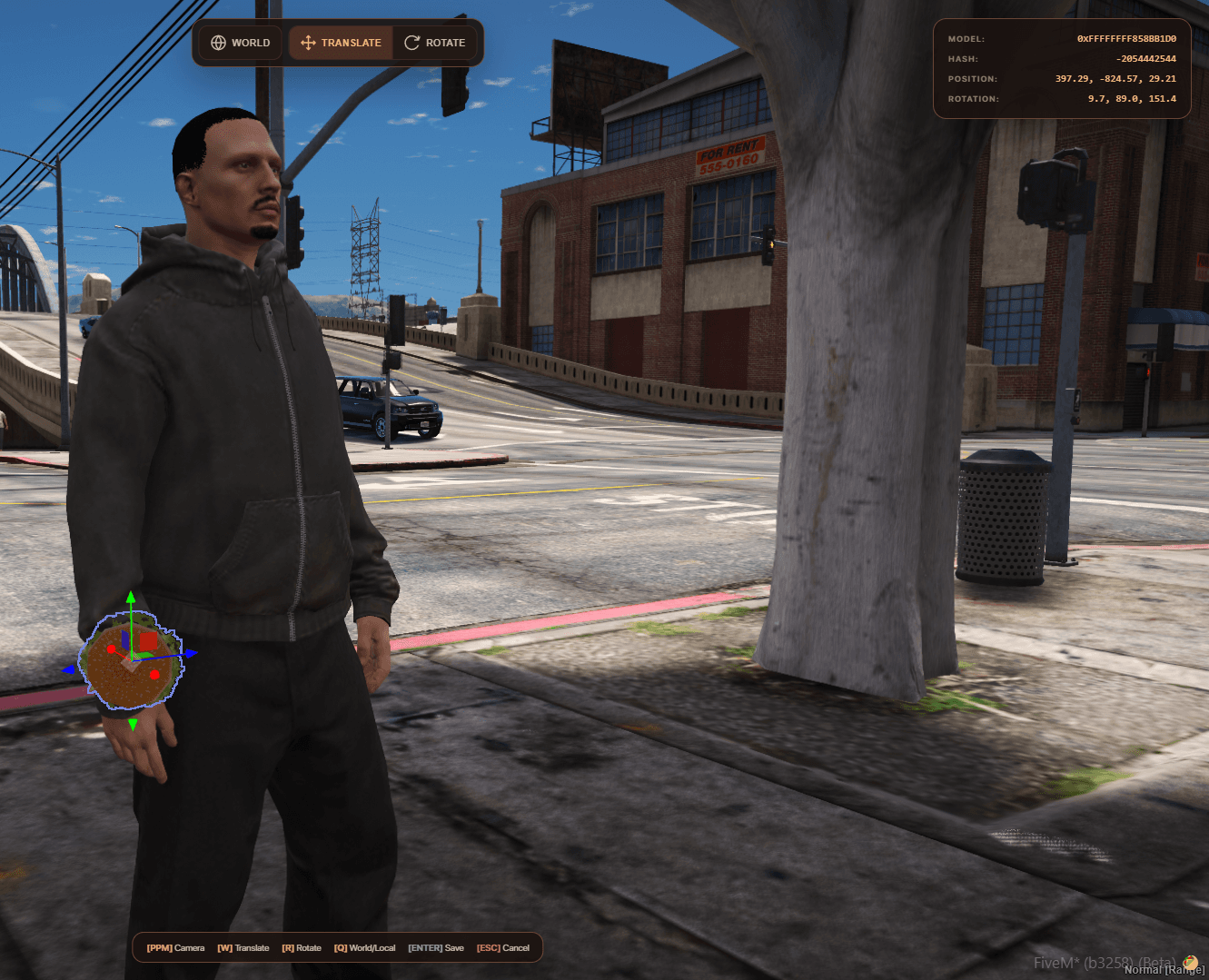
Allows for the instant assignment of props to players or other entities, the selection of bones and animations, and precise offset adjustment—ideal for creating interactions and scenarios.
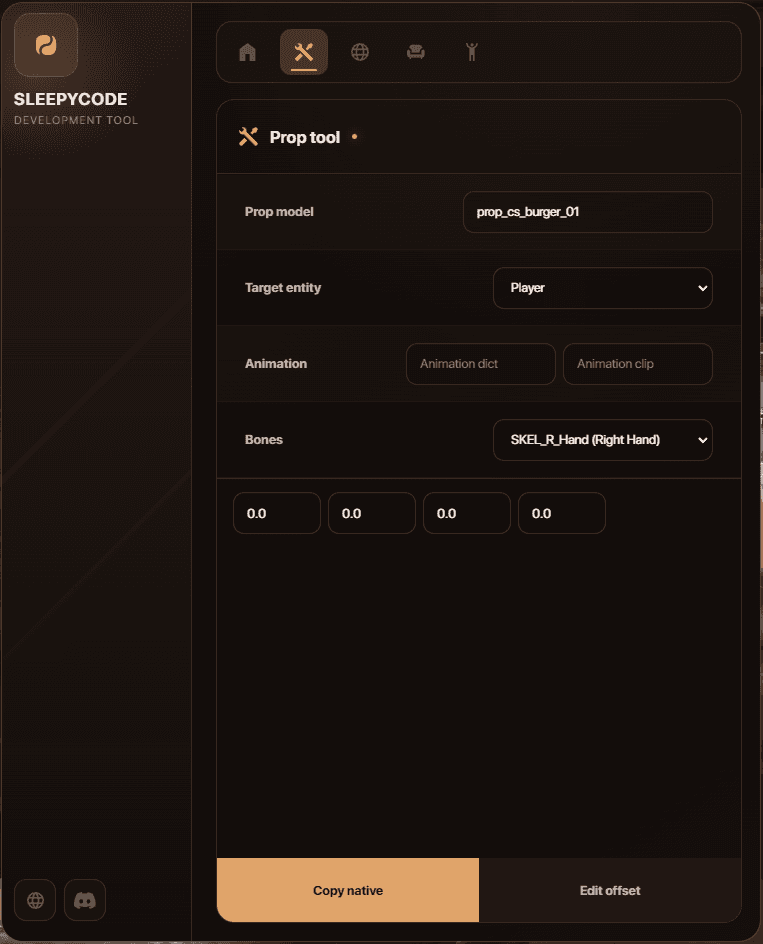
Prop model – enter any name for the object you wish to use for your activities. From now on, you don't need to write separate code to assign objects to an entity.
Target Entity – The entity to which objects are assigned. The starting point is the player character.
Animation – enter the name of the animation to be played during the offset, along with its dictionary. Thanks to this solution, you can freely match objects to a given scenario.
Bones – select any character bone to which the object is to be assigned during the offset. This solution allows for the manipulation of any object and the copying of its data.
Copy native – Allows copying all information regarding the manipulated object to the clipboard.
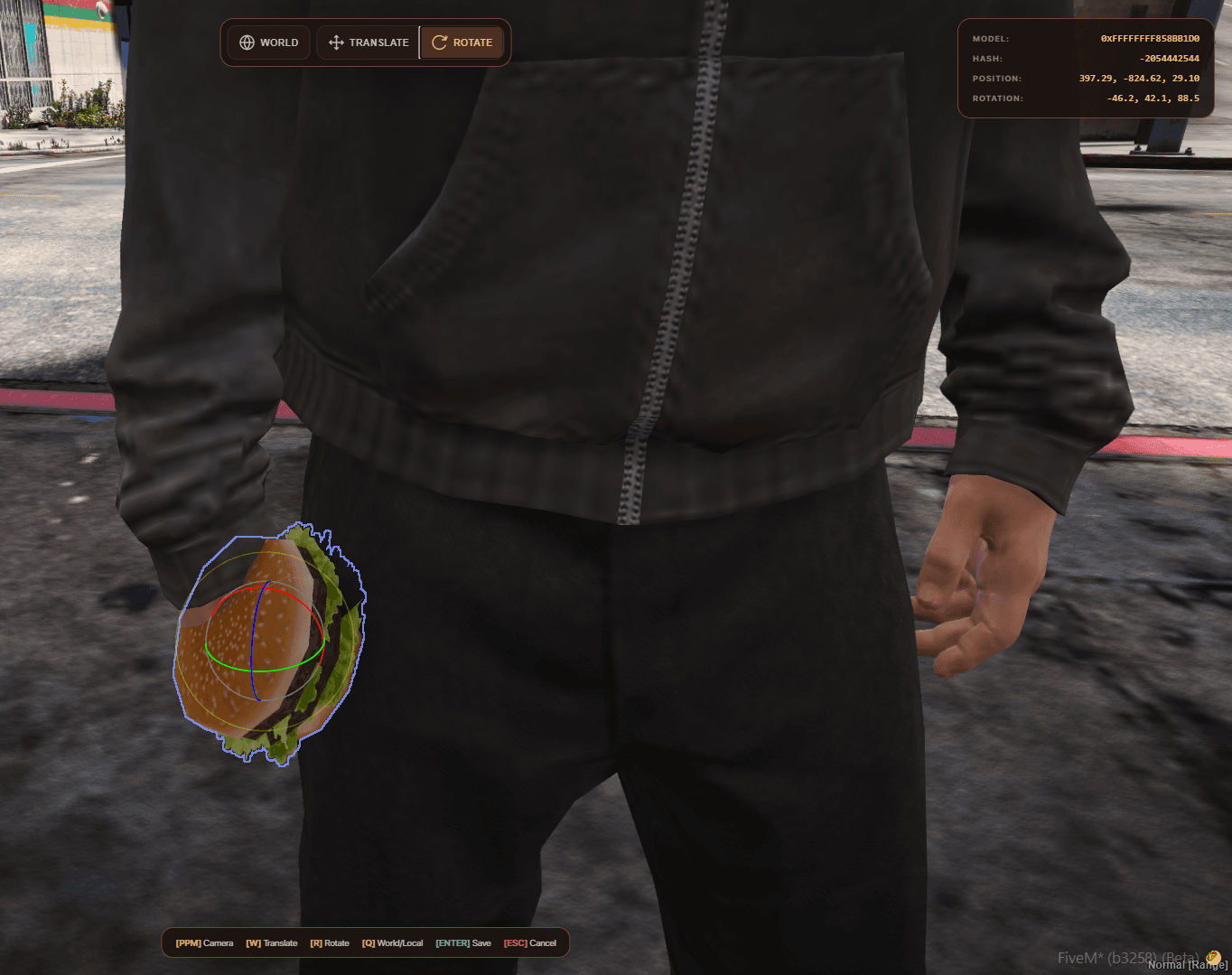
Edit offset – allows for the free manipulation of any object in any way. The Dev Tool utilizes a Gizmo system, ensuring that every manipulation is detailed and precise.
Object positioning and rotation system: